Lumoraveail
Flow Key
Flow Key
Couldn't load pickup availability
- 📦 File available after purchase
- ♾️ Lifetime Access
- 🔒 Secure checkout
- 🔄 Content updated in 2026
Problem
Are your code writing, but your apps look static, lacking animation and normal user interaction?
Solution
This plan adds flow — working with animations, gestures, and more complex interfaces in SwiftUI.
What’s inside
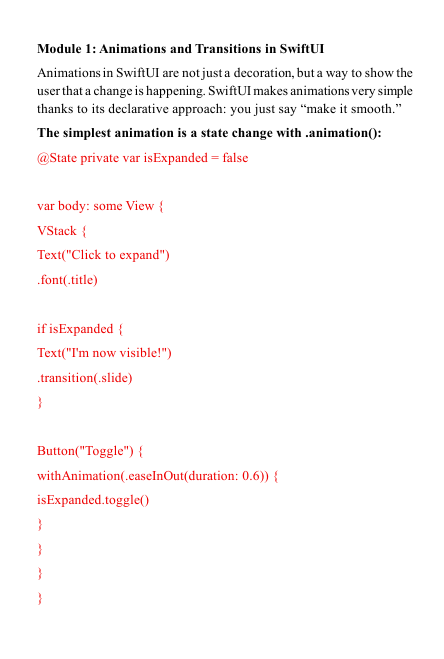
- Module 1: Animations and transitions in SwiftUI.
- Module 2: Gestures (tap, drag, long press) — interactivity.
- Module 3: Navigation and TabView — multi-page apps.
- Module 4: State and Binding — how data changes the interface.
- Module 5: Project — an app with a dynamic list and animations.
For whom
✅ Suitable if you’re already building simple screens and want to add movement and interaction.
❌ Not suitable if you’re not yet familiar with basic SwiftUI.
What you will learn
- Add smooth animations.
- Respond to user touch.
- Organize navigation between screens.
- Manage application state.
- 30-day money back guarantee
Self-paced learning overview
What knowledge is required?
What knowledge is required?
The materials are suitable for beginners with no prior programming experience, as well as for those who are already familiar with the basics and want to deepen their knowledge of Swift.
How does the training work?
How does the training work?
You receive structured lessons, practical tasks and code examples in PDF format, which you can complete at your own pace through your personal account.
Is there support during training?
Is there support during training?
Yes, you can send questions via the feedback form, and we will respond within a few business days.
Can I return to the materials?
Can I return to the materials?
Yes, all materials remain available for viewing after paying the fee for the entire validity period.
Share