

+1100 students joined to our courses
Swift from Basics to Professional Level
Structured materials, practical tasks, and real projects for self-paced learning
As seen on


Born from the first line

Different speeds, one language
-
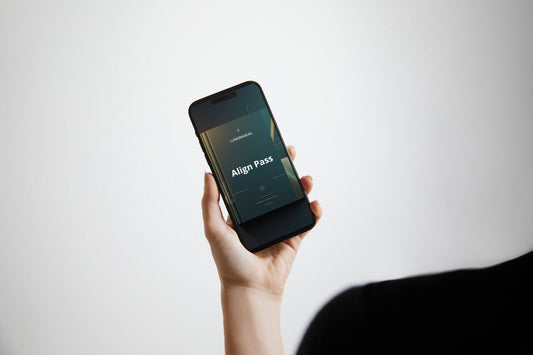
Align Pass
Regular price €65,00 EURRegular price -
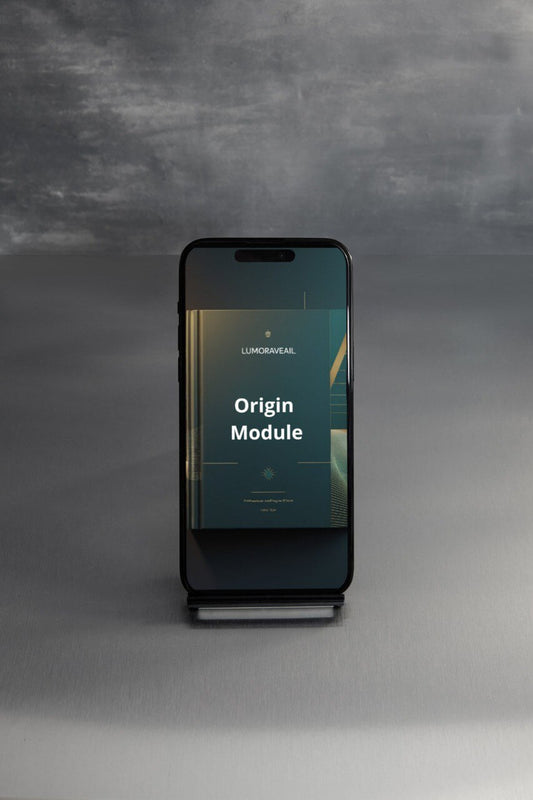
Origin Module
Regular price €249,00 EURRegular price






What makes us different from others?

Step-by-Step Structure
The course is divided into 7 logical levels — from absolute zero to professional standards, so you always know exactly where you are and what comes next.

Practice Over Theory
Every module ends with real tasks and a complete project, so knowledge is immediately reinforced through code, not just theory.

Up-to-Date Materials
Last update — February 2026, with regular additions of new language features and tools so you always work with current Swift.

Lifetime Access
After purchase you receive permanent access to all materials and future updates — return to any module anytime without extra payments.
We write code so that code can help us
Blog posts
-

Step-by-step plan: how to go from basic Swift t...
This plan is designed for 2–4 months of regular work (3–5 hours per week)
Step-by-step plan: how to go from basic Swift t...
This plan is designed for 2–4 months of regular work (3–5 hours per week)
-

The most common Swift beginner mistakes and how...
Swift beginners often make the same mistakes. Most of them are not related to the complexity of the language, but to unfamiliarity with its philosophy of safety and strictness.
The most common Swift beginner mistakes and how...
Swift beginners often make the same mistakes. Most of them are not related to the complexity of the language, but to unfamiliarity with its philosophy of safety and strictness.
-

10 Swift features worth learning
Most of these features are already available in current versions and are actively used in new projects. Here are 10 innovations that have the greatest practical impact on everyday development.
10 Swift features worth learning
Most of these features are already available in current versions and are actively used in new projects. Here are 10 innovations that have the greatest practical impact on everyday development.


Developers and researchers who live in Swift every day
-

Lyra Bennett
Widget & Live Activities
Engineer -

Michele Austi
Senior Swift
Engineer -

Ronan Vale
SwiftUI Framework
Architect


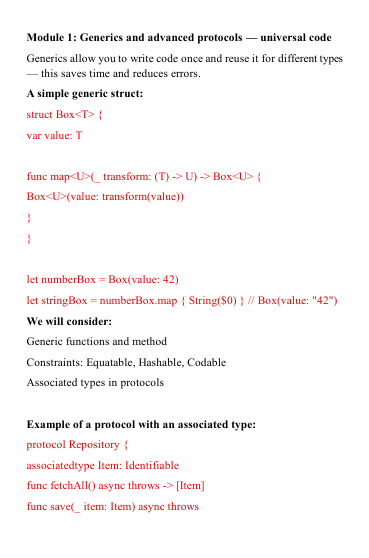
Review materials in advance


All devices available
-

Tablet
-

Laptop
-

Smartphone


Free start now
Learning Stories
-

Denis Powers
"The step-by-step structure helped the most -
when each level adds one clear piece of
knowledge, and you see how everything
gradually connects into a single system. Plus,
real projects at the end of each tariff are what
finally made me write not just examples, but
full-fledged programs." -

Erica Warburton
"I really liked the detailed explanations of "why"
instead of bare examples. Thanks to this, I
stopped being afraid of optionals and started
using @State and @Binding without panic.
The text-with-code format allowed me to return
to difficult points as many times as needed
without having to rewind the video."

